Mopoga: Play Free Online Games in Your Browser (No Download)
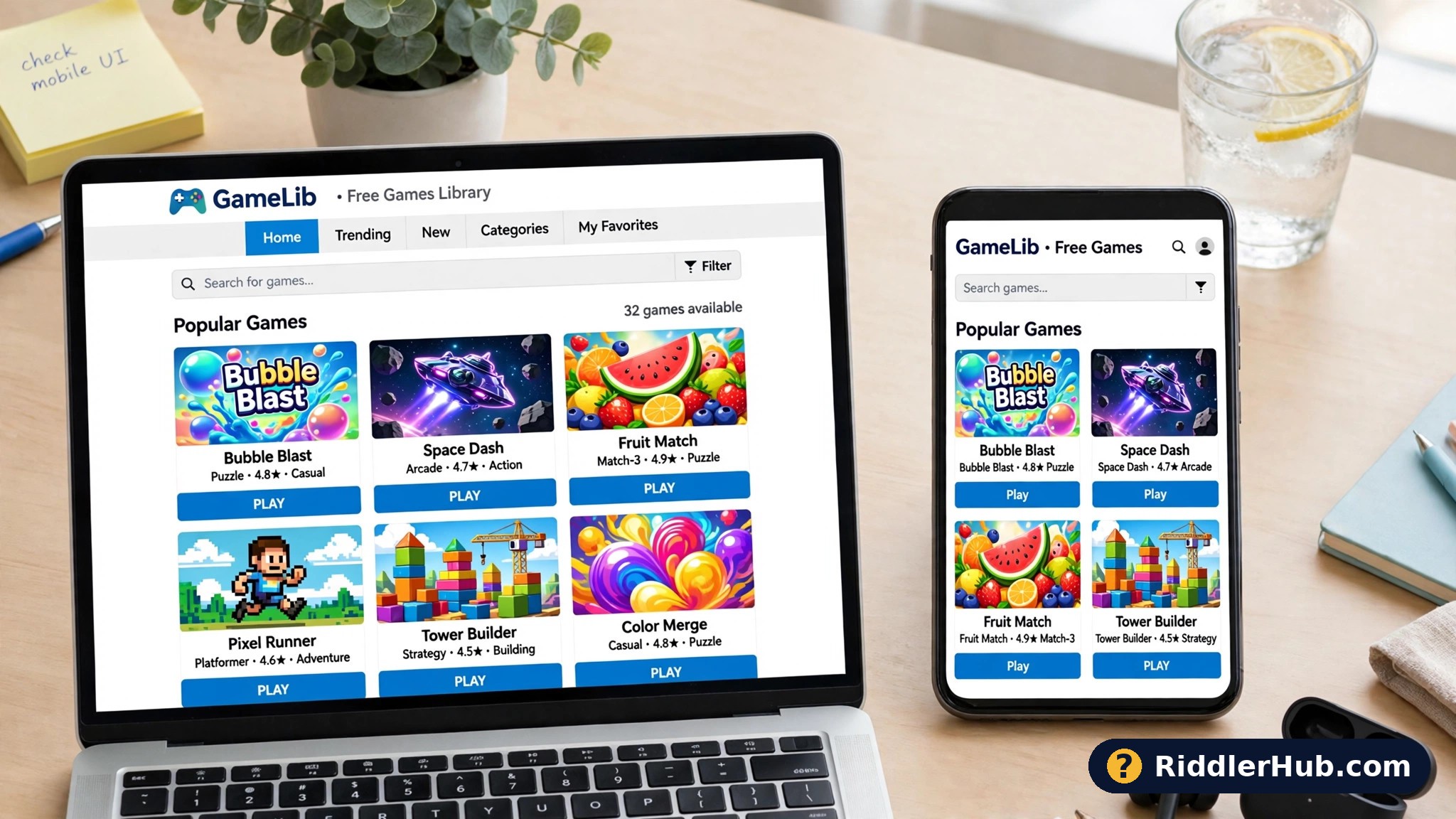
Mopoga is a free online games website where every title runs directly in your web browser, with nothing to download and no account to create. Its library holds more than 1,400 HTML5 games, each tested by hand before publishing. You open a game page, tap play, and the game starts inside the tab you already have open.
The site is mobile-first, so the same library works on iPhone, Android, tablets, and desktop computers. That makes it handy for short breaks, because a game is ready in seconds and leaves nothing installed behind. The name needs care too, because similar-looking websites use it without being the same service.
This guide explains what Mopoga is, how its browser games work, and which categories fill the library. It also covers devices, saving progress, safety, and fixes for common loading problems. You will finish knowing how to start a game safely and which alternatives to try when you want more variety.
What Is Mopoga?
Mopoga is a free games library that lives on the web instead of in an app store. Every game is built with HTML5, JavaScript, and WebGL, the open standards behind modern websites. Titles come from established HTML5 studios and independent developers, and each game page credits its developer.
Because nothing installs, every visitor gets the same flow: open the site, pick a game, and play. A small number of ads keeps every title free.
What Does Mopoga Mean?
Mopoga is a brand name rather than a dictionary word, and the site publishes no official origin for it. Treat it as the name of this games library, not a gaming term with its own definition.
Is Mopoga a Website or a Gaming Platform?
It is both: the website is the address you visit, and the platform is the service behind it — a catalog, a review process, and a player that runs each game in your tab. Similar-looking addresses are separate services, which is why the official site tells visitors to check the address bar.
How Does Mopoga Work?
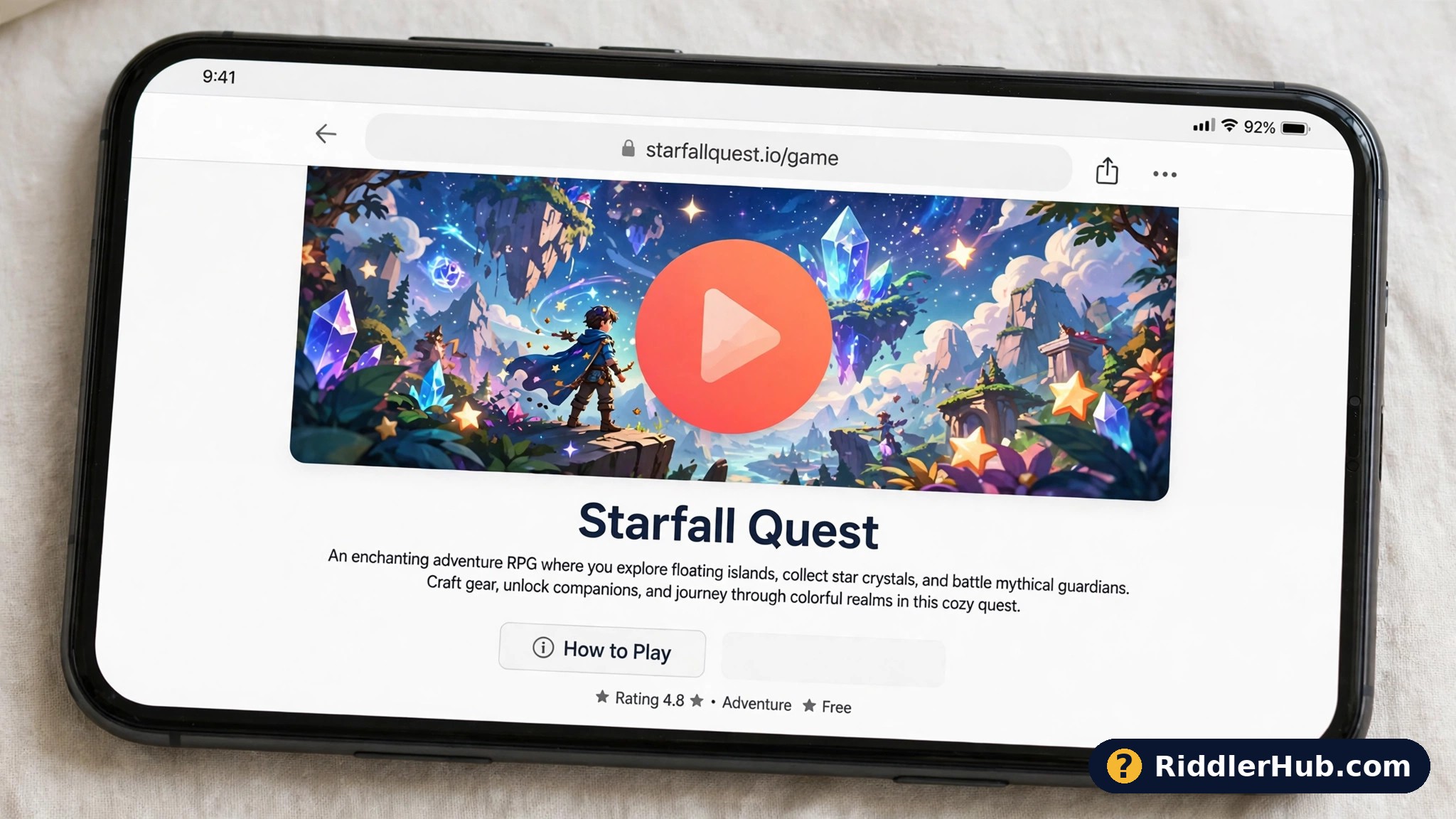
Each game is built for the browser by its developer, then played by the Mopoga team on real devices before it goes live. They check loading, controls, and whether the content fits a family-friendly library. Games that fail are fixed or left out.
Once published, each game sits on its own lightweight page, so your browser downloads only the files it needs. Most games start within seconds, and many save progress locally in the browser.
How to Find and Start a Game on Mopoga?
- Open the site and browse the categories, or use the search bar if you already know the title.
- Open a game’s page for its description, screenshots, and controls.
- Press Play; the game loads in the tab within seconds.
- Play with touch, keyboard, or mouse, depending on your device.
There is no lobby or host to wait for, unlike a hosted classroom session run by a Gimkit host — every game starts the moment you tap play.
Main Features of Mopoga
- A library of more than 1,400 free games, sorted into categories.
- Every game reviewed and tested on real devices first.
- New games added regularly, with a New Games view for the latest titles.
- HTTPS on every page; no sign-up, download, or payment details requested.
Browser-Based Gaming Without a Separate Installation
Nothing lands on your device: the game streams into the tab, uses no storage, and leaves nothing behind when you close it — updates and patches included.
Mobile and Desktop Compatibility
Games are tested on iPhone and iPad (Safari and Chrome), Android (Chrome and Samsung Internet), and Windows, Mac, and Chromebook browsers. A title joins only after loading, controls, and performance pass on those devices.
Do You Need an Account to Play on Mopoga?
No — every game opens without registration, a username, or an email address. Where an optional account is offered, it covers only extras like carrying saves between devices or tracking scores.
What Types of Games Are Available on Mopoga?
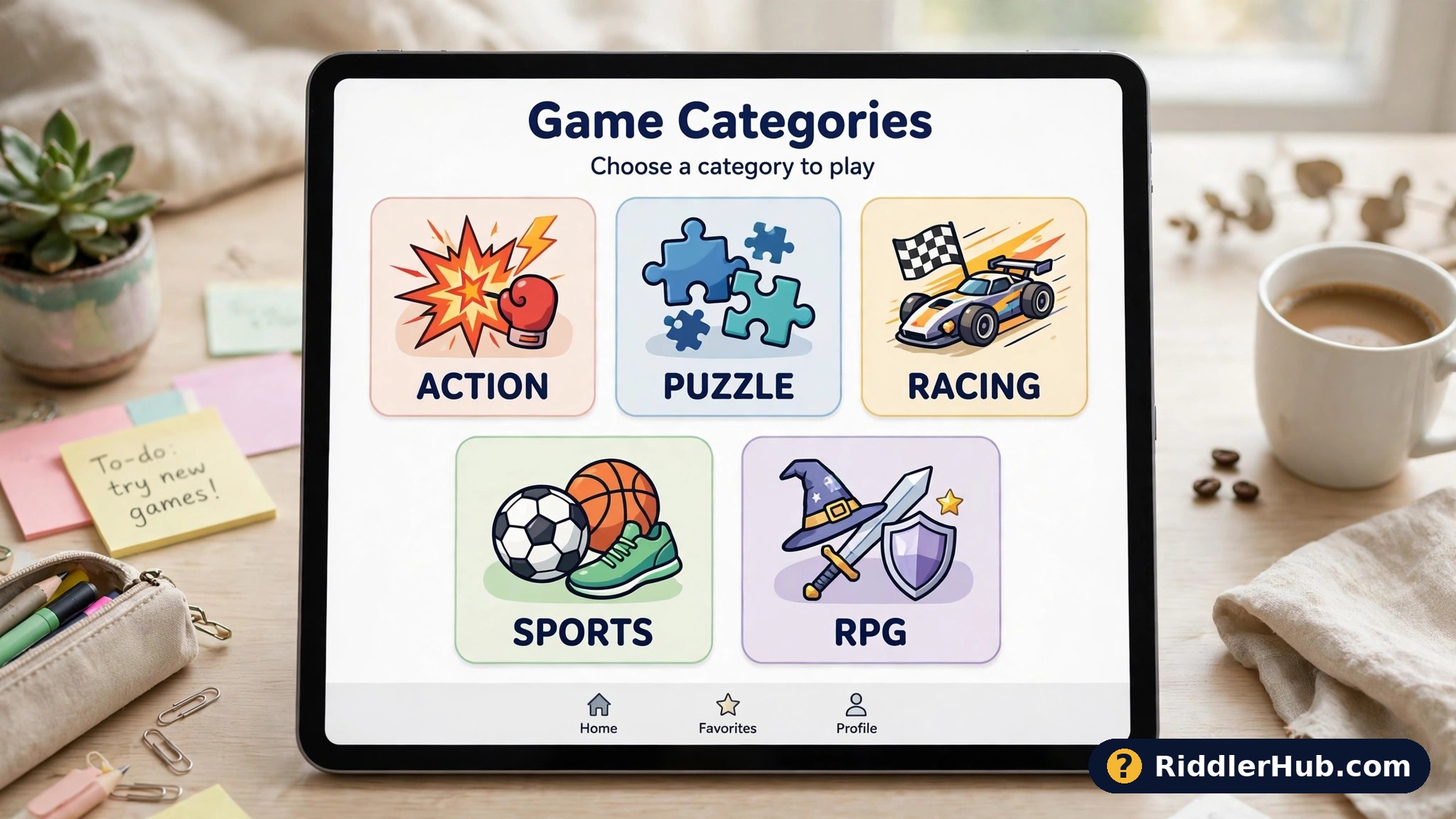
The categories run from fast arcade rounds to long role-playing sessions:
Action and Adventure Games
Action titles cover reflex runs, boss fights, chases, and fighting and shooting games. Adventure games slow the pace with story-led quests and worlds explored at your own speed. A separate Horror category adds dark corridors and survival runs.
Puzzle and Casual Games
Puzzle games include match, sort, and logic boards that tighten with every level, plus trivia quizzes on films, flags, music. Casual and arcade titles suit short sessions, with simple rules you can pick up cold.
Racing and Sports Games
Car and driving categories cover city streets, hill climbs, delivery runs, and monster trucks, while racing adds circuits and off-road tracks. Sports games recreate football, basketball, pool, and more in a single tab.
RPGs, Simulations and Story-Driven Games
RPGs let you level up, gather loot, and build a party across long fantasy sessions. Simulations hand you a farm, a city, or a shop and let small choices stack up. Strategy and multiplayer round out the longer-form side of the library.
Mopoga Game Categories: The Full List
The games sort into these categories:
| Action | Adventure |
|---|---|
| Arcade | Car |
| Casual | Driving |
| Fighting | Horror |
| Mobile Games | Multiplayer |
| Puzzle | Racing |
| RPG | Shooting |
| Simulation | Skill |
| Sports | Stickman |
| Strategy | Trivia |
How to Use Mopoga on Android, iPhone and PC?
Open the site in your usual browser — Safari or Chrome on iOS, Chrome or Samsung Internet on Android, Chrome, Edge, Firefox, or Safari on a computer. Games are tested on those combinations, so titles behave the same across devices. Touch leads on phones; keyboard and mouse take over on desktop.
Tips for a Better Mobile Gaming Experience
- Close other tabs: freeing memory is the biggest speed gain on older phones.
- Turn off battery saver: low-power modes throttle the processor games need.
- Use a steady connection: games load from the site, so weak signal means slow starts.
- Rotate when asked: some titles play best in landscape, others in portrait.
How to Add Mopoga to Your Home Screen
On a phone, use the browser’s share or menu option to add Mopoga to your home screen. Nothing extra installs; the icon just reopens the same pages, one tap away.
Is Mopoga Free to Use?
Yes — every game is free, with no subscriptions, paywalls, or fees to unlock levels. The site states it never asks for payment details; a small number of ads keeps it free. If a page using the Mopoga name asks for card details, it is not the official site.
Benefits and Limitations of Mopoga
Browser gaming removes app-store friction, but it trades a few things away:
Potential Benefits
- Instant starts: most games are playable within seconds.
- Zero storage: nothing installs, so even a nearly full phone can play.
- One library everywhere: the same games on phone, tablet, Chromebook, and PC.
Possible Limitations
Progress lives in one browser on one device, so it does not follow you from phone to computer. Games need an internet connection, with no offline mode. Ads come from third-party networks, and quality varies between titles despite testing.
Is Mopoga Safe and Legitimate?
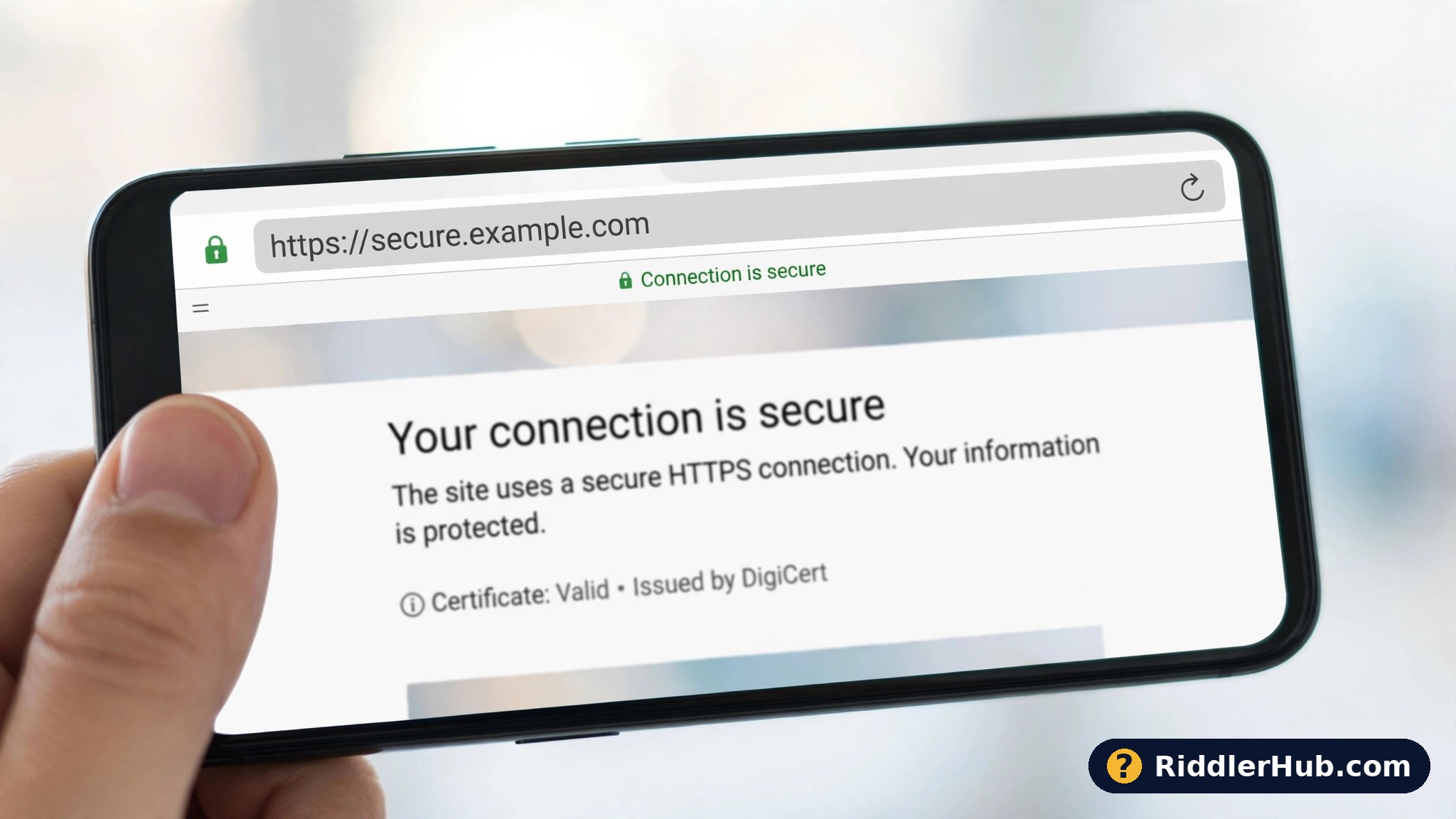
Safety is built into the official site: games are reviewed before publishing, every page uses HTTPS, and play requires no download, extension, or sign-up. It also publishes a clear impostor test — it never asks you to download a file, install an extension, enter card details, or pass on a code sent by text or email. Close any page that does.
One caution: other websites use similar names with no connection to the official library, and their policies are their own. Check the domain before you play — the address bar matters more than the logo.
Privacy and Personal Information
Playing asks for almost nothing: no name, email, or payment details are needed to open a game. What data exists is ordinary browser data — cookies and local saves — controlled in your browser settings. Never enter personal information into a game page that asks for it; the official library does not require it.
Is Mopoga Safe for Kids? What Parents Should Know
The library describes itself as family-friendly: content is checked before publishing, and a Kids category gives younger players a clear start. With no sign-up, children never share personal details to play. Ads come from third-party networks, so the site suggests parents stay nearby for younger children.
Common Mopoga Problems and How to Fix Them?
Mopoga Games Not Loading
Refresh the page, then update your browser. Pausing ad blockers or strict privacy extensions fixes many remaining cases, since they can block game files.
Slow Gameplay or Browser Errors
Close unused tabs and apps to free memory, and switch off battery saver while you play. If one browser still struggles, try another supported browser.
Lost Game Progress
Most saves live in your browser’s local storage on that device. Clearing data, switching browsers, or private browsing can reset them, so stay in the browser you started in.
Best Mopoga Alternatives for Online Gaming
For a bigger catalog or different style, try these established platforms:
| Platform | Known for | Account needed to play |
|---|---|---|
| Mopoga | Mobile-first free games, tested on real devices | No |
| Poki | Large casual catalog across many genres | No |
| CrazyGames | Action, racing, and .io multiplayer titles | No |
| Y8 | Long-running collection of browser games | No |
Mopoga vs. Other Browser Game Websites
Mopoga is the lightest option: a smaller, hand-tested, phone-first catalog. Poki and CrazyGames run far larger libraries — CrazyGames leans harder into multiplayer and .io games — while Y8 suits fans of an older, broad archive.
Tips for Choosing the Right Mopoga Game
- Read the game page: its description and screenshots show controls and pace.
- Match the session to your time: arcade and casual games fit five-minute breaks; RPGs reward longer sittings.
- Bookmark the game page, not the homepage: a bookmarked title opens straight into that game.
- Leave room to explore: players who outgrow a fixed catalog often move on to game mods and custom game experiences, where games can be changed.
Frequently Asked Questions
Can Mopoga games work on older devices?
Many lightweight titles run fine on older phones and computers with an updated browser. Demanding games may stutter, so test your device with a simple puzzle or arcade title first.
Why do some Mopoga games look different on a phone?
Mobile versions use touch controls and layouts fitted to smaller screens. Keyboard-and-mouse games keep their desktop layout, which can feel tighter on a phone.
Can I bookmark a Mopoga game?
Yes, and bookmarking the game’s own page beats bookmarking the homepage. The bookmark reopens that title directly, but it cannot protect local saves if you clear browser data.
Do browser games use device storage?
They use a small amount for cached files, cookies, and locally saved progress. Nothing installs like an app, and you can clear that data in your browser settings anytime.
What should I do if a Mopoga website asks for an unusual permission?
Do not approve it. The official site never asks for downloads, extensions, payment details, or personal information, so close the page and check the domain.
Conclusion
Mopoga is a free games library that runs entirely in your browser, with more than 1,400 tested titles and nothing to install. Its categories cover quick arcade rounds, puzzles, racing, sports, and longer RPG and simulation sessions on almost any device. Local saves, a small number of ads, and a no-account design keep the experience light from the first tap.
Before you play, confirm the address bar shows the official site, since similar names lead to unrelated services with different rules. Start with one category, bookmark the games you enjoy, and keep your saves in the same browser to avoid losing progress. For even wider catalogs, roundups of the best free browser games point to larger platforms worth exploring next.